

Software development
When a growing business needs software instead of another spreadsheet
Look for repeated handovers, unclear ownership and avoidable data entry before deciding what to automate.
September 2025
Spreadsheets are useful tools, and a business does not need custom software simply because it is growing. The question is whether the current process still works reliably. When staff copy the same details into several places, lose track of who owns a task or struggle to find the latest version, it may be time to review the workflow. That review should come before a long feature list.
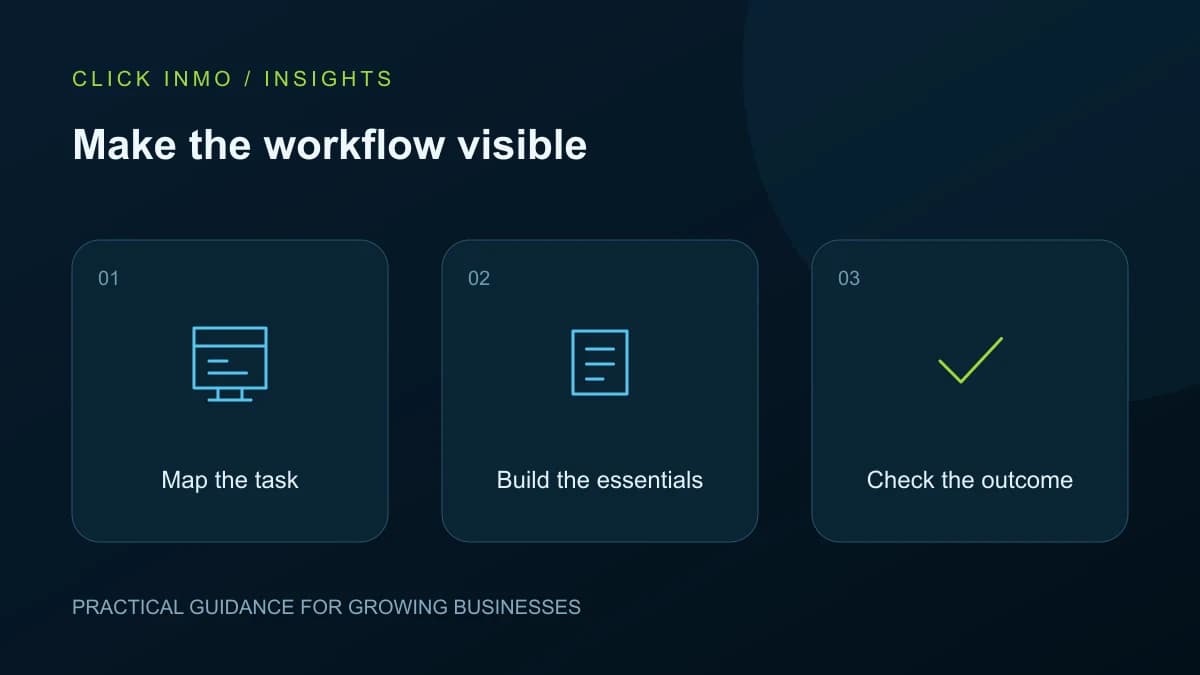
Describe one process from beginning to end
Choose a process such as handling an enquiry, preparing a quotation or assigning a service visit. Write down what starts the work, who acts next and what counts as completion. Include the exceptions, such as a customer changing the date or a quotation needing approval. Ask the people doing the work to check the map.
Record where information is retyped or held only in a person's messages. These are useful clues about the problem. Do not assume automation is the answer when the real issue is that no one has agreed who makes a decision.
Compare configuration with custom development
An existing product may meet the need with sensible configuration. Custom software may be useful when the process has important requirements that available tools do not handle well, or when several systems need a controlled connection. Compare ongoing costs, data export, integrations and maintenance as well as the initial build.
Ask for a small demonstration around your actual workflow. A polished general dashboard is not evidence that the product handles your approvals, permissions or reporting needs. Use representative test data rather than exposing private customer records during early exploration.
Build the smallest useful first version
Choose a first release that completes one meaningful process. For enquiry management, that might mean capturing a lead, assigning an owner, recording the next action and marking the outcome. Add reports that help staff act, rather than filling the screen with numbers nobody uses.
Agree what happens when data is missing, duplicated or entered incorrectly. Include permissions, audit information and export needs in the scope. These details may be less visible than a dashboard, but they affect whether the system can be trusted in daily work.
Plan adoption and ownership
Introduce the tool with clear responsibilities and a short training plan. Decide which old records need to move, how they will be checked and when the previous process will stop being used. Running two unofficial sources of truth indefinitely can create more confusion than the new system solves.
Measure practical outcomes such as fewer duplicate entries, clearer task ownership or less time spent finding a record. Establish a support contact and maintenance arrangement. A successful software project leaves the business with a usable process and a clear plan for change, not just a working login screen.
Your next steps
- Map the current workflow with the people who use it.
- Compare existing tools with custom development.
- Scope one complete process for the first release.
- Plan migration, training, support and data ownership.
Want help putting this into practice? Explore the relevant service and tell us what you would like to improve.