

Local search
Your Google Business Profile needs more than a one-time setup
How to keep your hours, location, services and photographs useful for customers searching for a Sri Lankan business.
September 2026
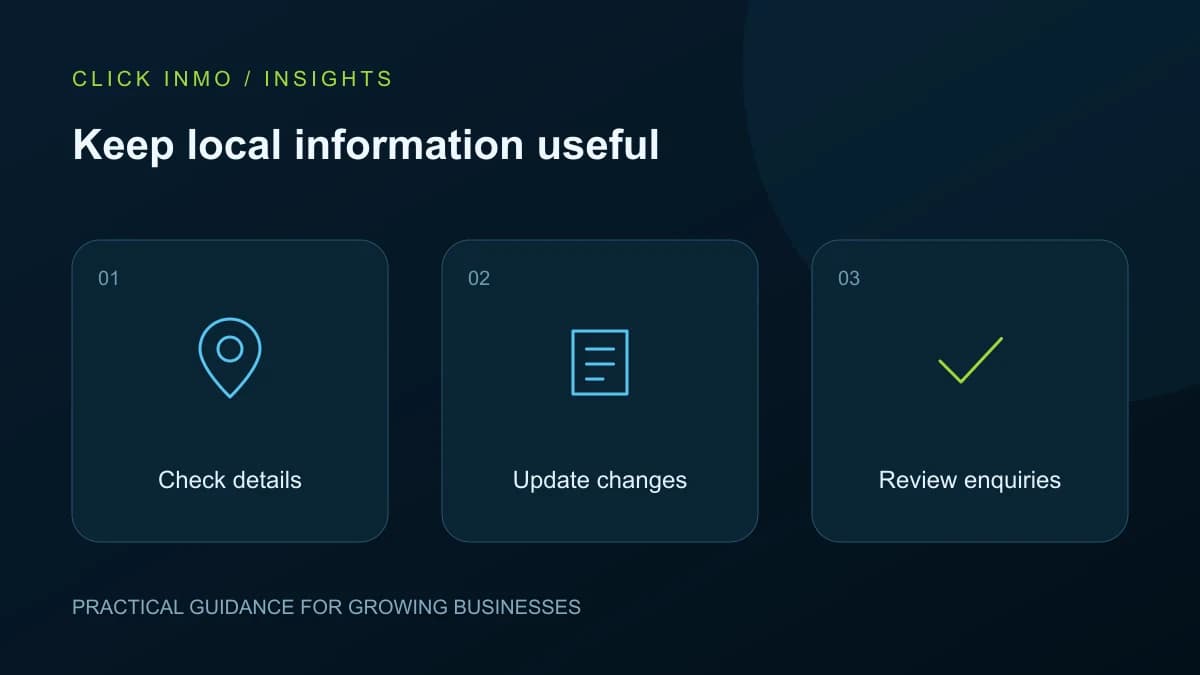
A customer who finds your business on Google may be ready to call or visit. If the phone number is old or the opening hours are wrong, the opportunity can disappear before they reach your website. Creating a Google Business Profile is a useful starting point. Keeping it accurate is an ongoing business task. A profile that has not been updated is not automatically worthless, but outdated information can make it less useful and damage customer confidence.
Check the information customers act on
Start with the business name, map location, phone number, website link and opening hours. Compare these with your signboard, website and current operating details. Check special hours before holidays rather than after someone arrives at a closed door. A service business should describe where it actually works instead of creating the impression that it has offices in every town.
Google explains that local results consider relevance, distance and prominence. Complete information helps Google understand a business, but regular posting does not guarantee a top position. Focus on accuracy and usefulness rather than a promised ranking shortcut.
Update when the business changes
Give profile maintenance an owner. A new telephone number, changed entrance, revised service or temporary closure should trigger an update. Keep a short change log so the person managing the website can make the same correction. This is especially helpful when reception staff, an agency and the owner all hold different pieces of information.
Use the real business name and suitable categories. Do not add a string of locations or service keywords to the name just to attract searches. Google's business representation guidelines are the reference for how an eligible business should present itself.
Use photos to remove uncertainty
Show the current entrance, recognisable exterior and useful details of the service or property. A customer looking for a laundry needs to know how to find the shop. A hotel guest may need to recognise the driveway after dark. Choose clear, recent images with a specific purpose instead of repeatedly uploading the same logo.
Ask staff to flag photographs that no longer represent the business. If a room has been renovated or a shop has moved, the old image may create confusion even when the written details are correct.
Build a manageable review routine
Set a monthly reminder to inspect the public profile as a customer. Open the website link, call the listed number and check directions. Respond to reviews calmly and specifically without sharing private customer information. Keep requests for feedback honest; do not invent reviews or ask only happy customers to speak publicly.
Record the questions people ask after finding you. If callers repeatedly ask whether a service is available, your information may need to be clearer. Use these observations alongside the profile's available performance reports, rather than judging success only by the number of views.
Your next steps
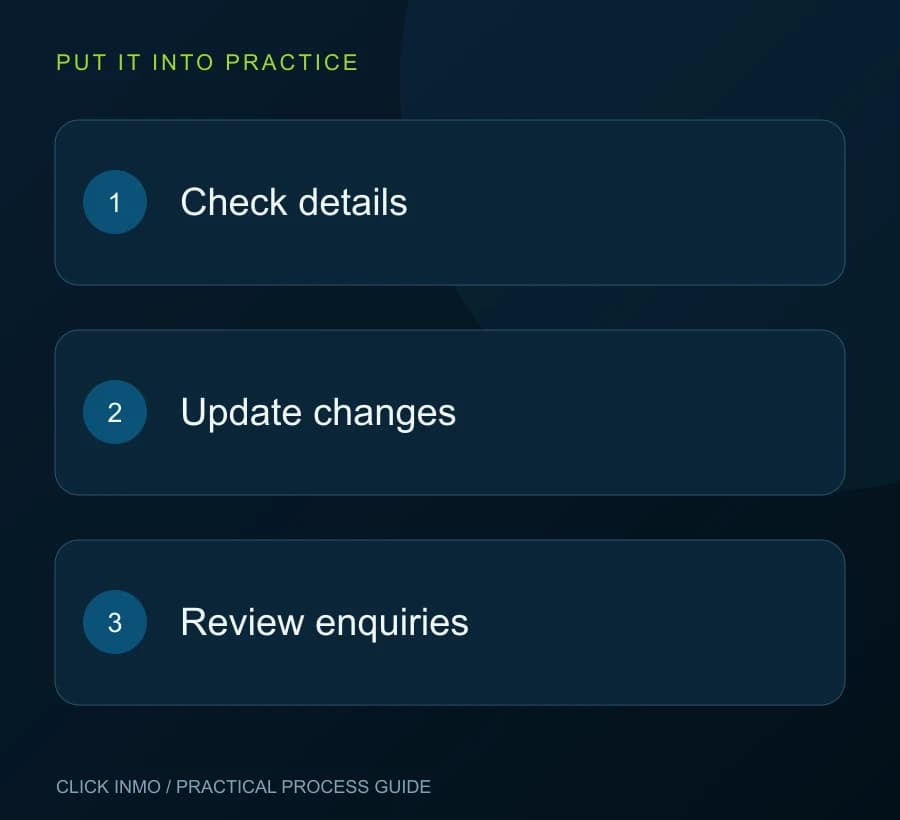
- Confirm the map pin, phone number and website.
- Set special hours before holidays.
- Replace misleading or outdated photos.
- Record changes and assign a monthly review owner.
Official references
Original guidance by Click Inmo. These official resources support the platform-specific details and can help you check for later changes.
Want help putting this into practice? Explore the relevant service and tell us what you would like to improve.