

Website performance
Large images can make a good website feel slow
A practical approach to image sizing, mobile performance and page stability for business owners reviewing a new website.
January 2026
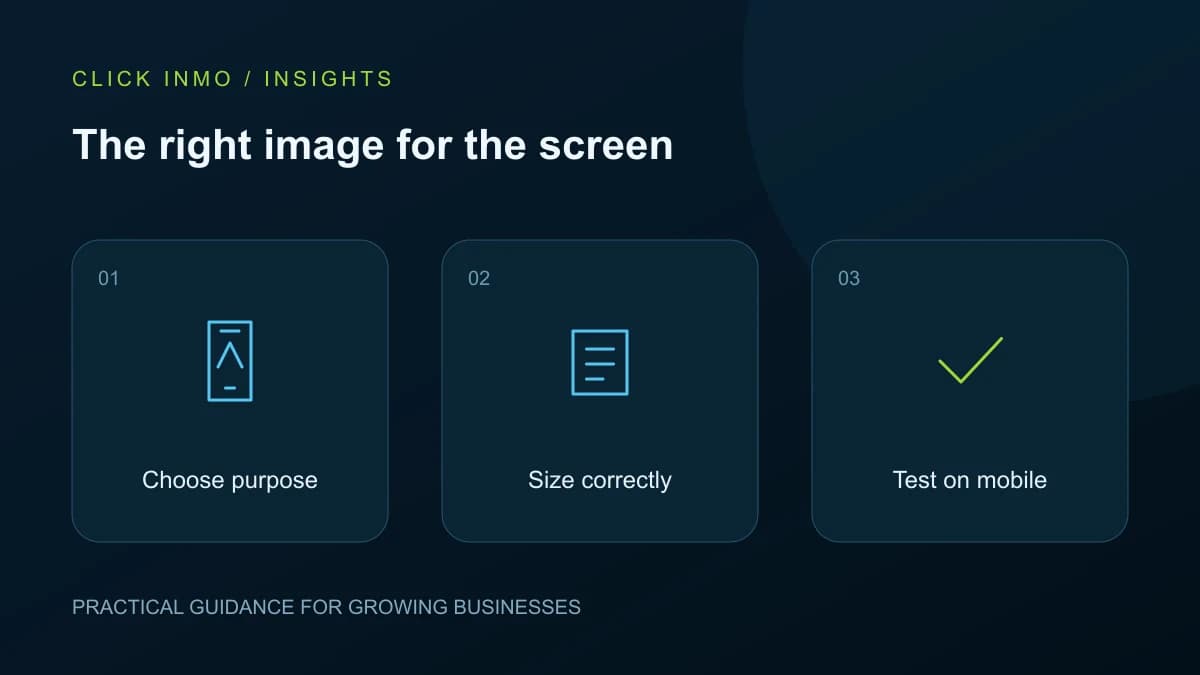
A photograph may look excellent in the original camera file but be far larger than a web page needs. Uploading it unchanged can add unnecessary download work, especially on a phone. Image performance is not about making every picture tiny or blurry. It is about delivering enough detail for the space where the image appears while keeping the rest of the page usable.
Decide what the image needs to show
A full-width hotel photograph and a small service thumbnail have different jobs. Choose the crop and dimensions for each placement. Do not stretch a small logo across a large display, and do not send a huge original file for a small card. Keep the important subject visible when the layout changes on mobile.
Diagrams need special care. Text that looks readable on a laptop may become too small in a scaled image. Keep labels brief and provide the important information in page text as well, so the image is not the only way to understand the idea.
Deliver suitable versions of each asset
A developer can provide responsive image sizes and compressed formats appropriate to the site. Review the result visually, particularly gradients, fine text and photographs with detail. Compression that creates obvious damage is not a successful improvement. Keep the original asset separately so exports can be recreated later.
Google's image guidance recommends useful surrounding context, descriptive alternative text and responsive image handling. Write alt text to describe what matters in the image, not to repeat a list of search keywords.
Keep the page stable while content loads
Reserve the correct space for photographs and videos so text and buttons do not jump around as they appear. Pay attention to the first large image a visitor sees; loading every image lazily is not always appropriate for that initial view. Images much farther down the page can usually wait until they are needed.
Review decorative video, chat widgets and tracking scripts alongside photographs. Fixing one image will not solve every delay. A page should still communicate its purpose if a nonessential visual or external service fails to load.
Test real tasks on ordinary connections
Open a service page on a phone, scroll through its content and send a test enquiry. Check whether controls react promptly and whether the layout moves unexpectedly. Use technical reports to investigate issues, but also watch someone complete a task. A high report score does not tell you whether the text is readable or the form makes sense.
Repeat checks after adding a gallery, banner or third-party widget. Agree a simple media upload process with the content team so the site does not gradually accumulate oversized files after launch.
Your next steps
- Prepare images for their actual display size.
- Keep meaningful subjects visible in mobile crops.
- Reserve space to prevent layout movement.
- Check complete tasks after adding new media.
Official references
Original guidance by Click Inmo. These official resources support the platform-specific details and can help you check for later changes.
Want help putting this into practice? Explore the relevant service and tell us what you would like to improve.