

Hotel websites
What a hotel website needs before asking guests to book direct
Help guests compare rooms, understand the full offer and reach a reliable booking or enquiry path.
March 2026
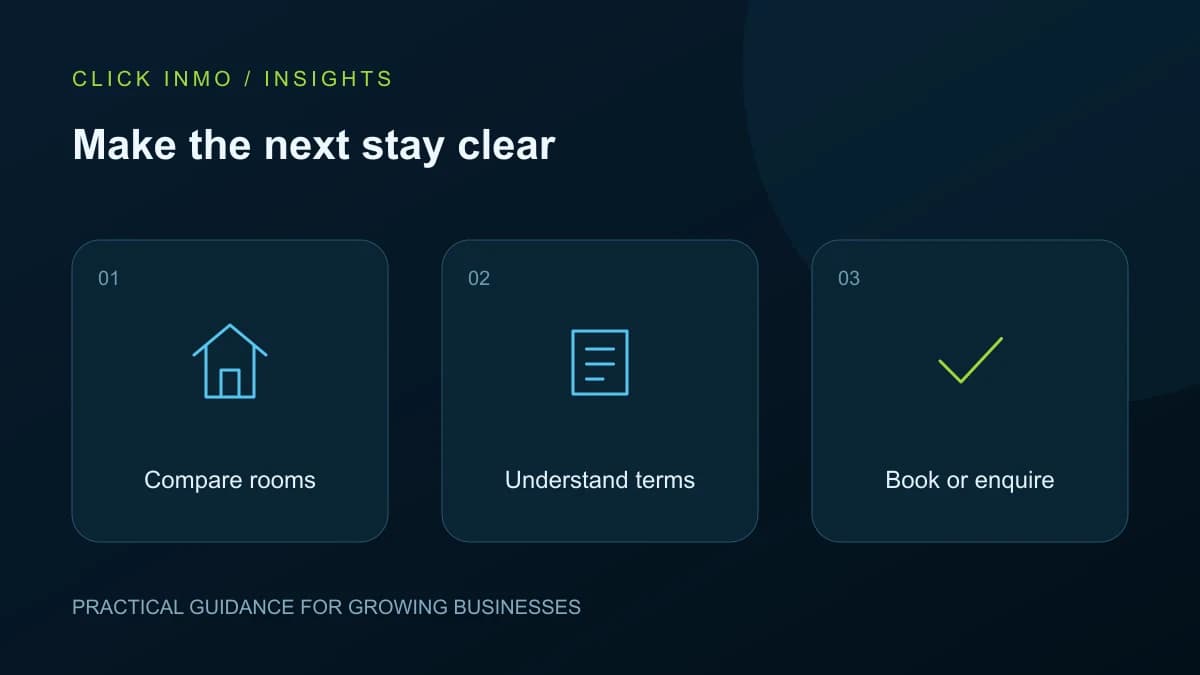
A hotel website can give guests a clearer view of the property and a direct way to contact the team. It does not need to imitate every feature of a large booking platform. It does need to help a visitor make a confident decision. Before adding a prominent Book Now button, check whether the pages and the booking process support what that button promises.
Help guests compare real room choices
Give each room category a useful description, accurate photographs and essential details such as bed arrangements and occupancy. Explain meaningful differences between categories instead of repeating the same paragraph with a new room name. Include facilities that influence decisions, and identify any important limits or shared features.
For a Sri Lankan property serving local and overseas guests, clear directions and arrival information can be especially useful. Describe the setting accurately. A nearby beach, railway station or attraction should not be presented as part of the property itself.
Make inclusions and conditions easy to find
Explain what the displayed offer includes and where the guest can see the final price. If rates vary by date or occupancy, make that clear rather than using a low headline price without context. Put important cancellation and payment information where someone will see it before committing.
Keep seasonal packages separate from permanent room information. Assign an expiry date and a person responsible for updating the offer. A package that remains on the website after it ends creates unnecessary work for reception and frustration for the guest.
Use the right label for the next step
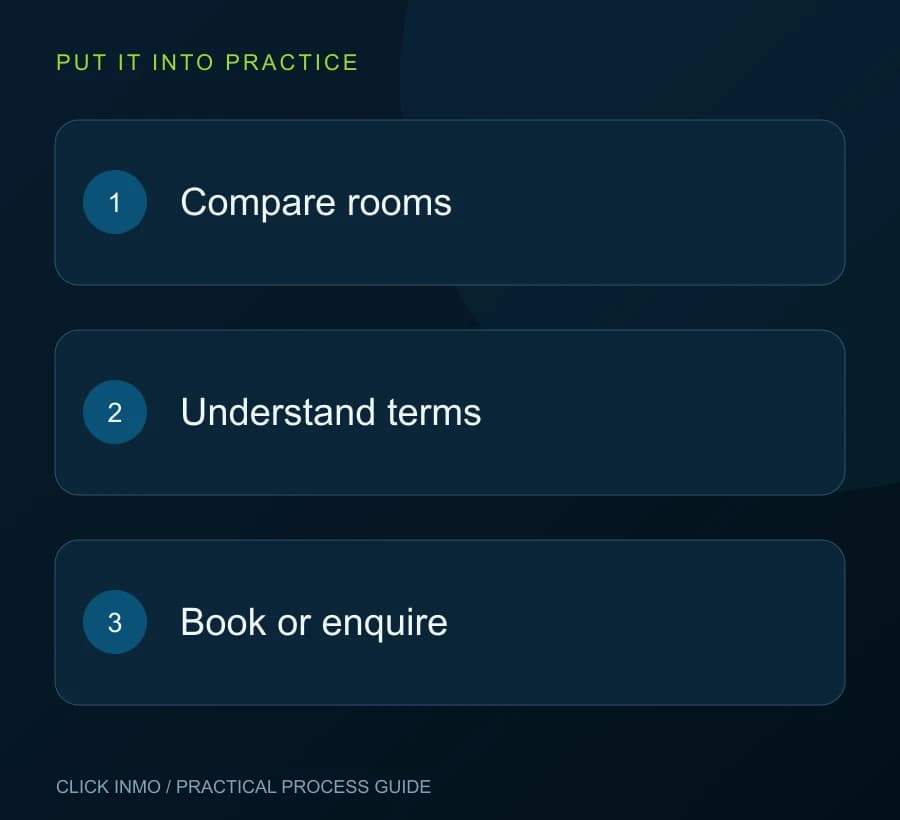
If a button opens a form that staff must answer, label it as an availability request or enquiry. Use Book Now when the next system genuinely allows the guest to complete a booking. Explain what happens after submitting, including whether confirmation is immediate or comes from the hotel team.
Test the connection between the website and the booking provider on a phone. Check dates, guest counts, room selections and the return path. An attractive page cannot make up for a broken transition or an unclear payment screen outside the main website.
Support the journey after the first visit
Make phone and email details easy to find without covering the screen with repeated popups. Keep enquiry forms short enough for the task and show a clear success message. Confirm that messages reach the team and that someone owns the reply. A working form is part of the booking experience, not a final technical detail.
Review which room pages people use and which questions still reach reception. Improve the page where a question begins. Direct booking is an ongoing service process, so include content updates, availability checks and staff feedback in the maintenance plan.
Your next steps
- Show the actual differences between room categories.
- Explain inclusions and important conditions.
- Distinguish an enquiry from a confirmed booking.
- Test the entire journey on a small phone.
Want help putting this into practice? Explore the relevant service and tell us what you would like to improve.